
Creating a logo is one of the first and most important steps when starting a business or building a brand. Your logo represents your identity, helps people recognize you, and plays a big role in how professional your business looks.
In the past, creating a logo often meant hiring a designer or spending hours trying to design one yourself. Now, AI logo makers have completely changed that process. You can generate a logo in just a few minutes by simply entering your business name and a few preferences.
Why AI Logo Makers Are So Popular
AI logo makers are popular because they are fast, easy to use, and affordable. They allow anyone, even without design experience, to create a logo that looks clean and professional.
However, not all tools work the same way. Some focus on speed and simplicity, while others offer more advanced editing tools or full branding features like business cards, social media designs, and websites.
That’s why it’s important to compare your options carefully before choosing a tool.
3 Coolest AI Logo Platforms in 2026
In this article, we’ll compare Design.com, LogoAI, and Wix Logo Maker based on key categories like speed, quality, features, and ease of use.
Speed and Ease of Use
How quickly and easily you can create a logo matters, especially if you want results fast.
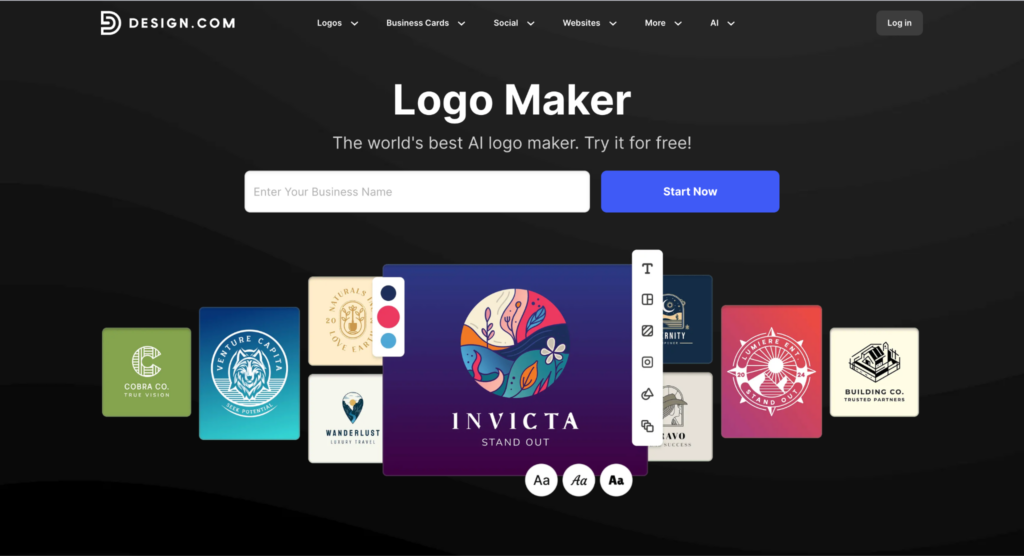
Design.com is very fast and simple. You just enter your business name and instantly get thousands of logo options. No complicated steps.
Takes a bit longer because you need to choose styles, colors, and preferences before seeing results.
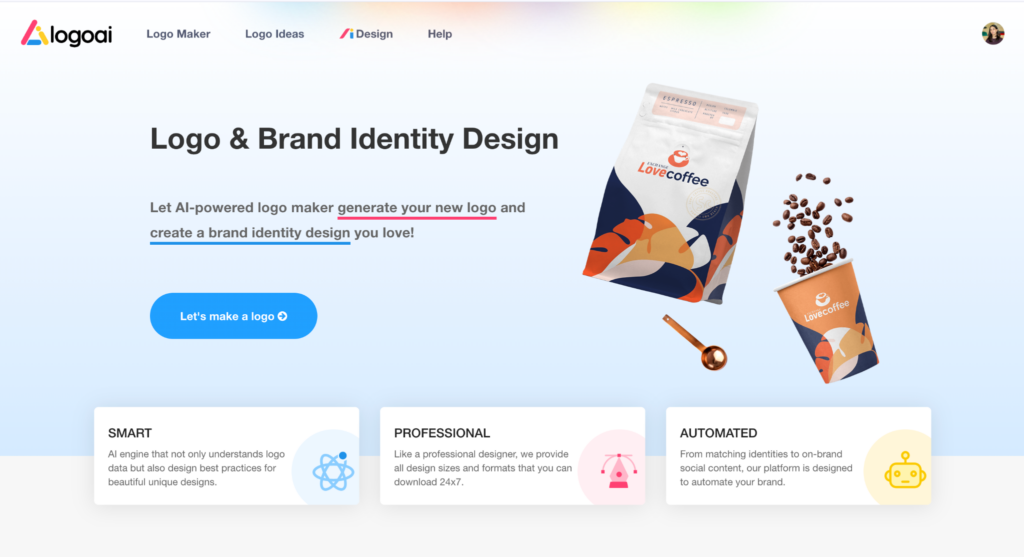
Also uses a step-by-step process with multiple questions, which slows things down slightly.
Best choice: Design.com
Design Quality
The quality of the logo is one of the most important things to consider.
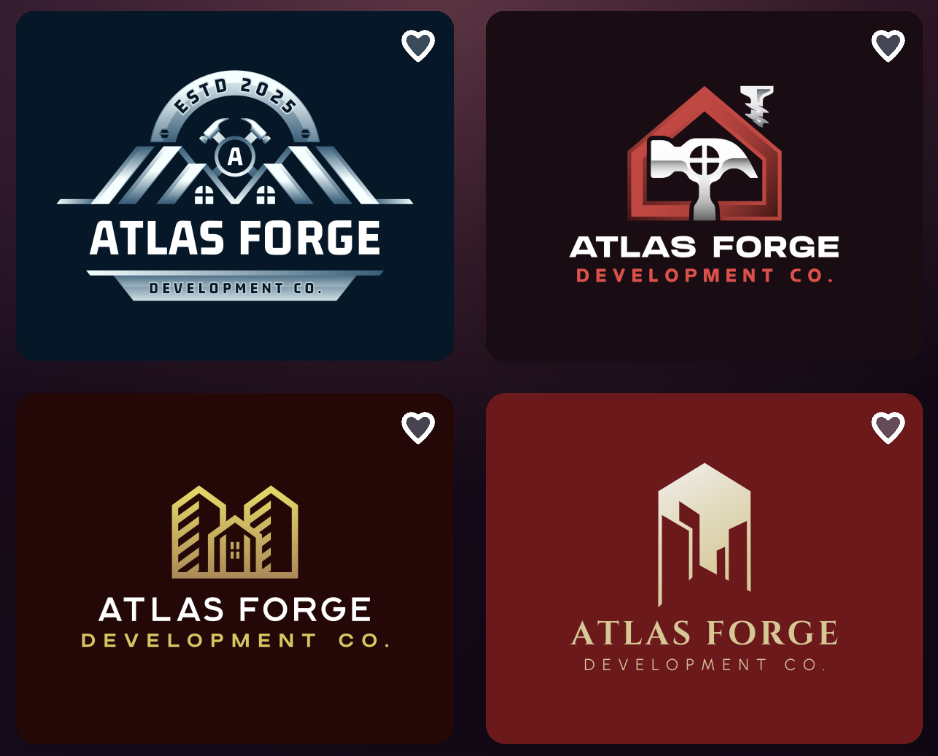
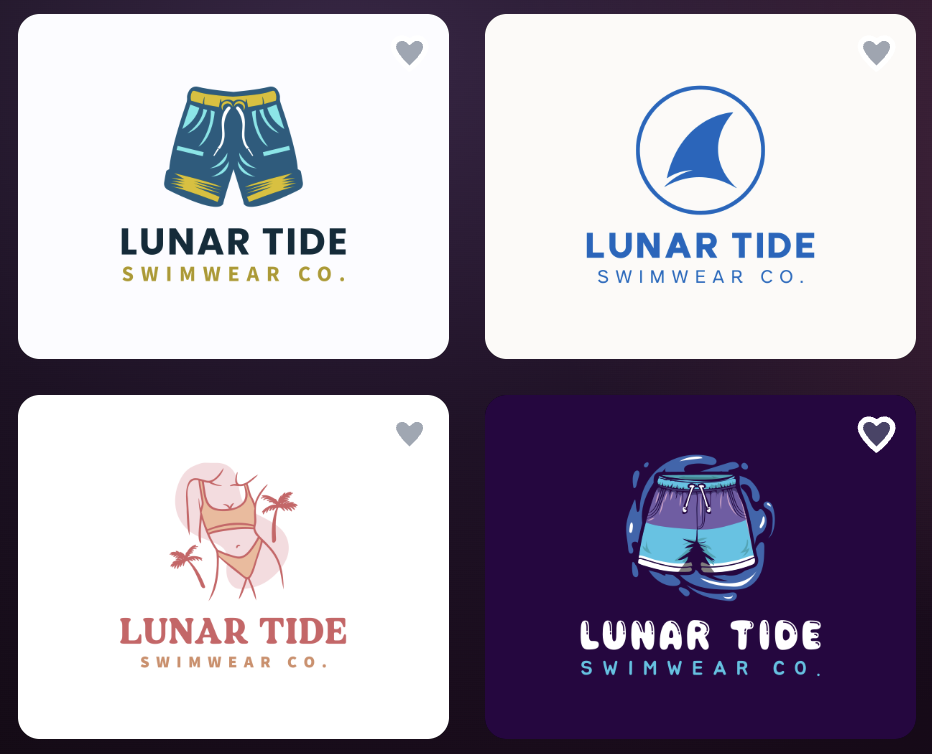
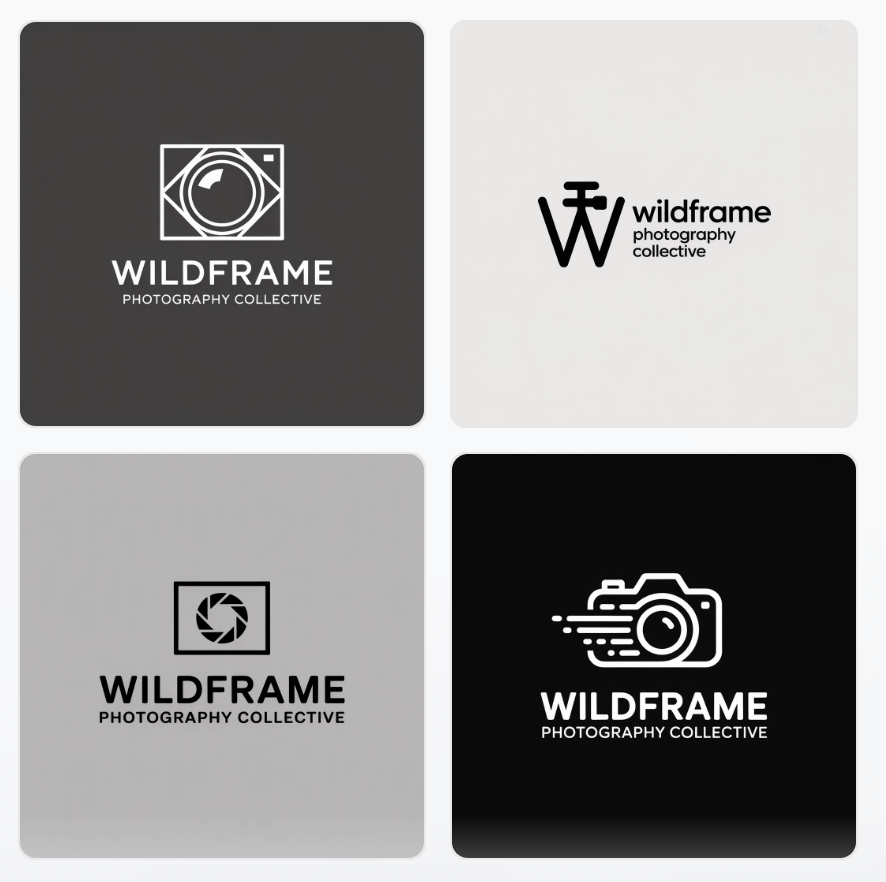
High-quality, professional logos. Most designs are ready to use without much editing. Here are some examples:
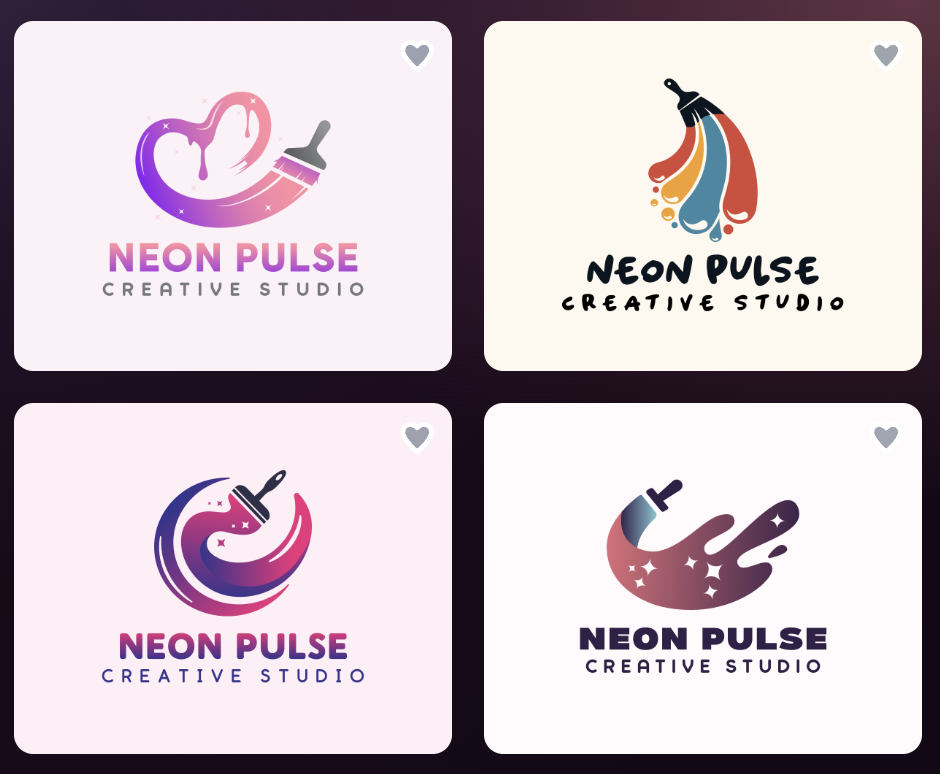
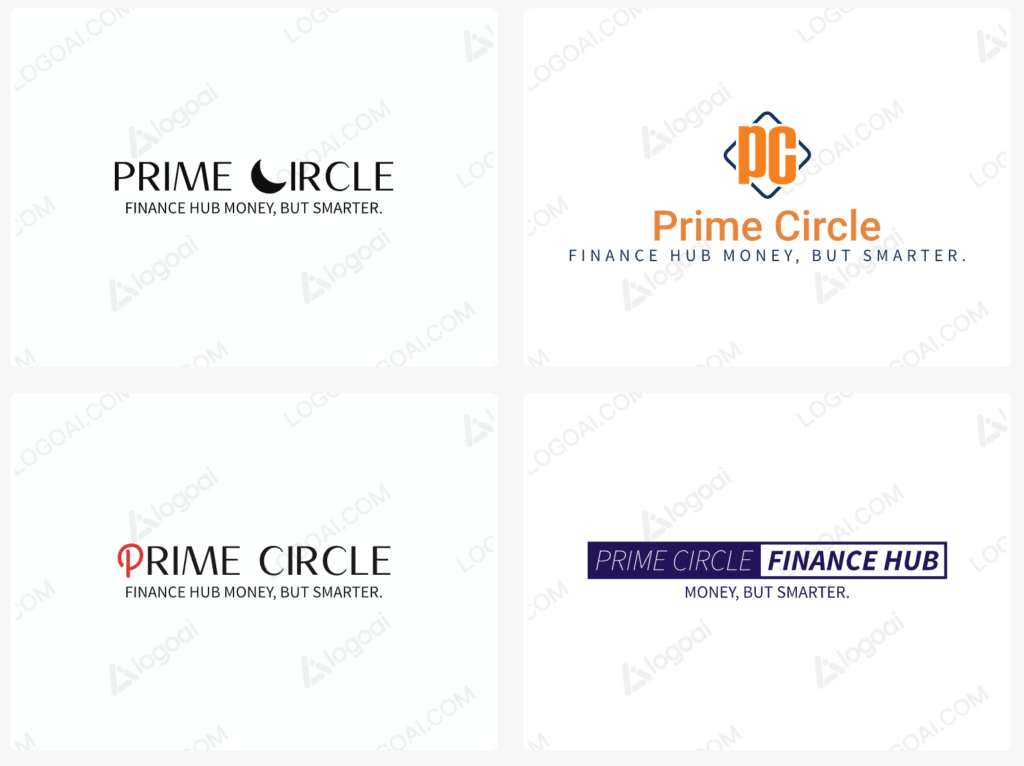
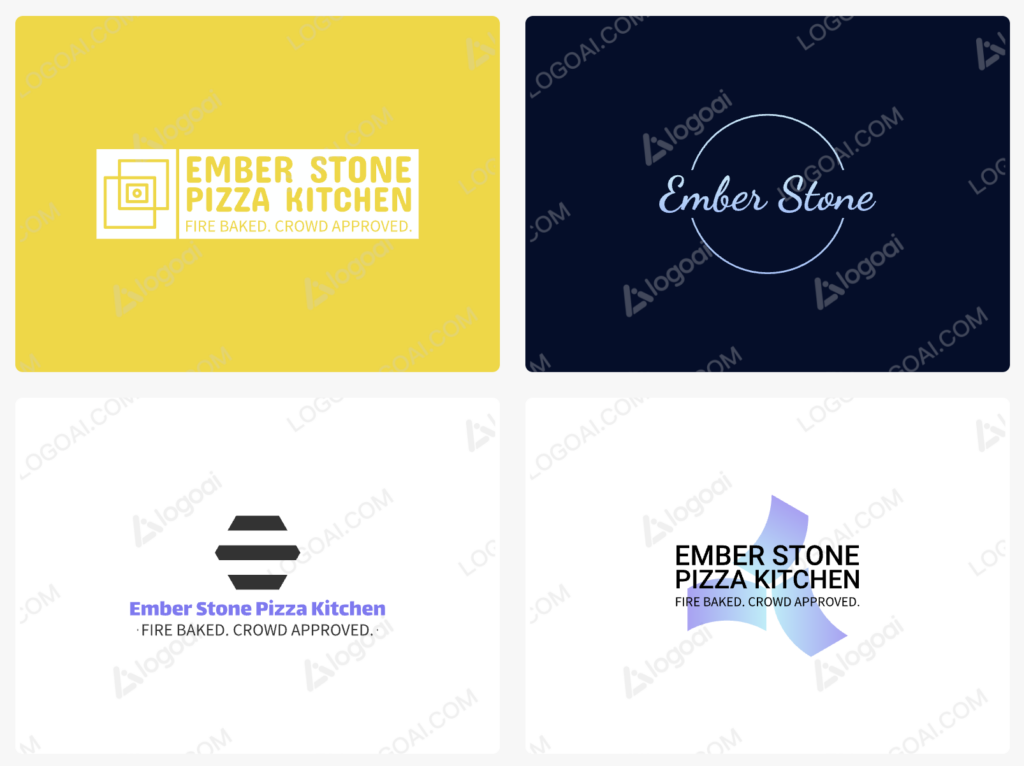
Quality can vary. Some logos are good, but others may need adjustments. Here are some examples from this platform:
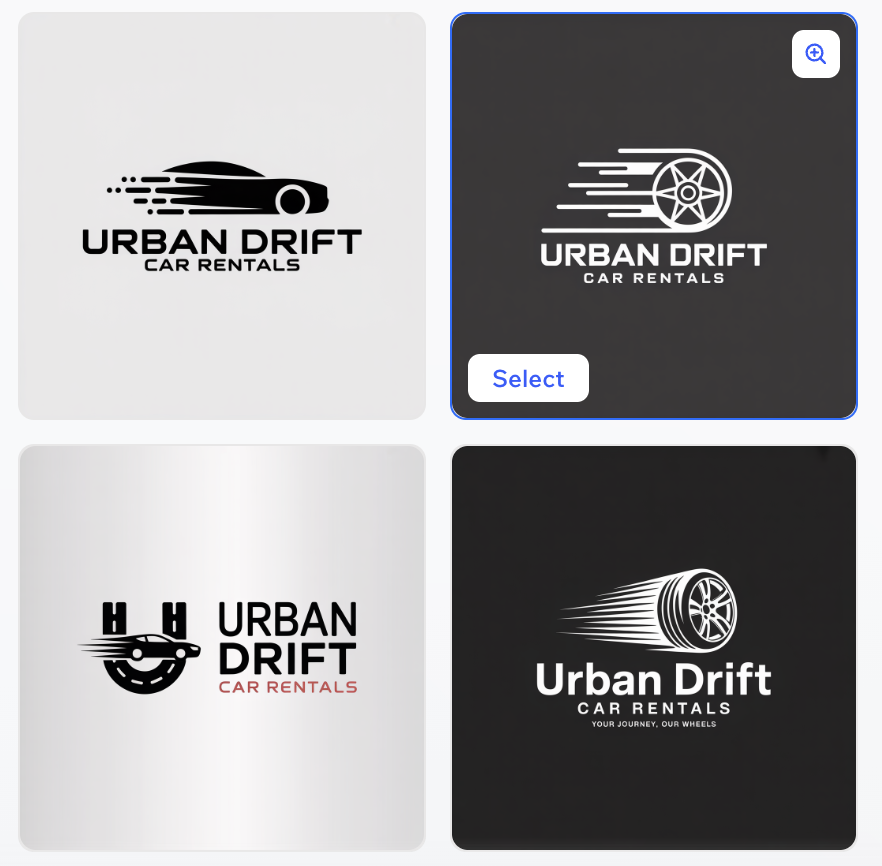
Decent designs, but results depend on your inputs and may feel more basic. Below are some examples:
Best choice: Design.com
Number of Logo Options
Having more options helps you find a logo that fits your brand better.
Generates thousands of logos instantly and offers access to over 400,000+ templates.
Provides a moderate number of options per generation.
Offers fewer options compared to the other tools.
Best choice: Design.com
Editing and Customization
Being able to edit your logo easily is important if you want to make changes.
Advanced editing tools, including AI-based editing for fonts, icons, and layouts.
Basic editing options like changing colors and fonts.
Simple customization tools, easy to use but limited.
Best choice: Design.com
Features Beyond Logos
Some tools offer more than just logos, which can be useful for building your brand.
Full platform with 50+ tools, including business cards, websites, social media designs, and more.
Offers some branding tools like brand kits, but limited compared to full platforms.
Strong integration with Wix websites, but fewer standalone design tools.
Best choice: Design.com
Pricing and Value
Pricing can vary, so it’s important to understand what you get for your money.
Free to try with many tools available, but downloading premium designs requires payment.
Requires payment to download logos and brand assets.
Also requires payment for high-quality logo files.
Best choice: Similar across all tools, but Design.com offers more included features.
File Formats and Licensing
You’ll need the right file formats for both online and print use.
Offers many file formats (PNG, JPG, SVG, EPS, PDF) and commercial licenses, including extended licensing options.
Provides standard formats depending on the plan.
Offers standard web and print formats.
Best choice: Design.com
Comparison Overview
|
Category |
Design.com |
LogoAI |
Wix Logo Maker |
|
Speed |
Very fast |
Medium |
Medium |
|
Design Quality |
High |
Mixed |
Moderate |
|
Logo Quantity |
Very high |
Moderate |
Limited |
|
Editing Tools |
Advanced + AI |
Basic |
Basic |
|
Features |
Full platform |
Limited |
Website-focused |
|
Ease of Use |
Very easy |
Easy |
Very easy |
|
File Formats |
Extensive |
Standard |
Standard |
Who Each Tool Is Best For
Different tools work better for different types of users, depending on your goals and experience level.
-
Design.com
Best for businesses that want a fast, professional logo with minimal effort. It’s also ideal if you need more than just a logo, like business cards, social media designs, or a full brand kit.
-
LogoAI
A good option for users who prefer a guided process and don’t mind spending extra time adjusting their logo.
-
Wix Logo Maker
Best for beginners or users already using Wix who want a simple logo that fits into their website setup.
Conclusion
If you want the fastest, easiest, and most complete logo solution, Design.com is the best option. It offers high-quality designs, a huge number of choices, and a full set of branding tools.
LogoAI is a good choice if you want a simple AI tool and don’t mind doing some extra editing.
Wix Logo Maker works well if you’re already using Wix and want a simple, integrated option.
Overall, Design.com stands out as the most complete and efficient tool for creating a professional logo.