Since in 2026 design creation is no longer a big deal and requires minimal to no knowledge in design, businesses and individuals focus more on brand strategy and storytelling rather than technical execution.
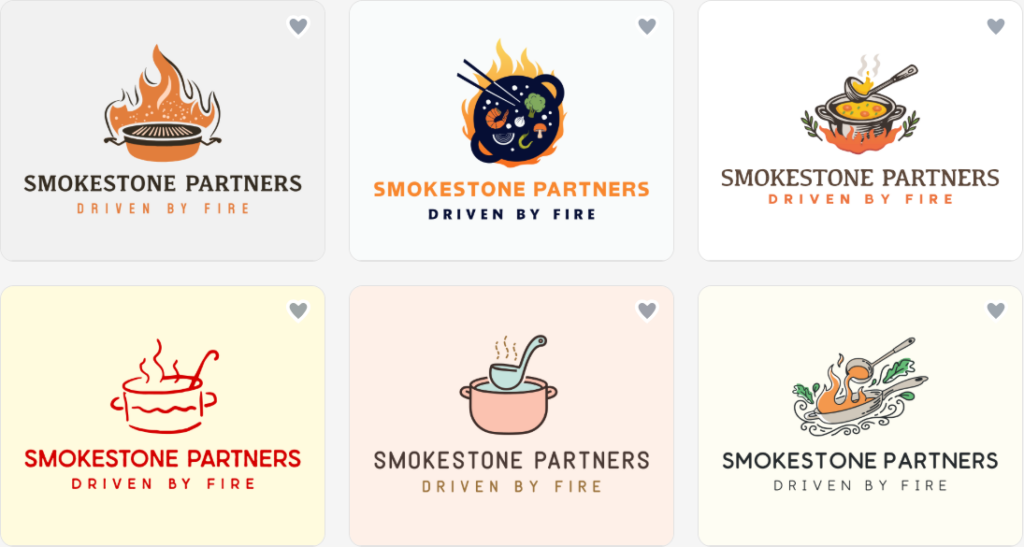
Modern AI logo makers are built to deliver professional-looking logo templates for a better brand image. They are equipped not only with advanced AI tools that generate logos, but also a wide range of other branding assets, helping brands build an outstanding and memorable visual identity effortlessly.
Let’s find out which logo design platform generates professional visuals instantly without needing design skills or long editing time.
Coolest AI Logo Makers for Comprehensive Branding
An ideal logo maker offers advanced AI tools, high-quality and unique logo designs, fully customizable templates, as well as user-friendly interfaces.
#1. Design.com
Product Description: A comprehensive branding solution, specializing in generating professional logos and marketing materials across all industries within seconds.
Design Quality: Professional, ready-to-use logos generated automatically on Design.com with well-balanced fonts, colors, and layouts.
AI+human touch for unique results.
Exclusivity guaranteed.
All designs are checked for originality & quality.
Quantity: Thousands of relevant logo ideas generated instantly, tailored to your brand in seconds.
400K+ logo templates.
1M+ design templates.
50+ branding assets: presentations, flyers, QR codes, letterheads, and more.
Thousands of customizable fonts, shapes, icons, layouts, and more.
Speed: Instant.
Logo generation based on the provided keywords or business name.
No additional questions.
Fast design delivery.
AI Editing Tools: Advanced AI-driven logo icon & text editor.
A simple chat interface for requesting changes.
Custom-trained AI for copyright-safe editing.
#2. BrandCrowd.com
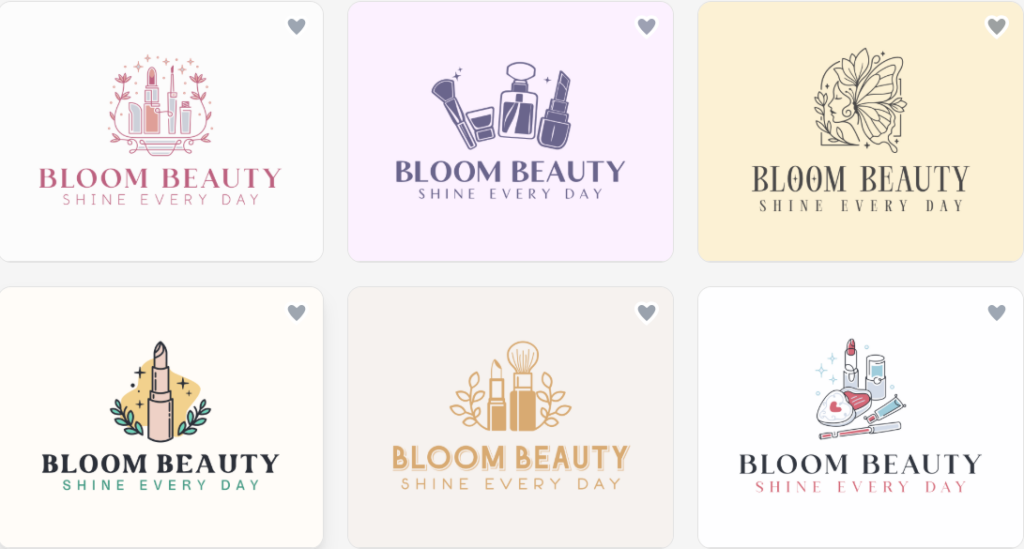
Product Description: An AI-powered logo design platform that delivers unique and impressive designs instantly.
Logo Quality: AI-generated professional designs with strong typography, balanced layouts, and versatile branding elements, suitable for businesses across all industries.
Exclusive use of logos.
100% commercial safety.
Quantity: A vast collection of logo concepts created in seconds, each tailored to match your brand identity.
380K+ logo templates.
1M+ design templates.
525+ exclusive fonts, thousands of icons, shapes, and more.
Dozens of design materials, including business cards, social media posts, and more.
Speed: Really fast.
No extra steps, only the business name or a keyword.
No additional descriptions required.
AI Editing Tools: Built-in AI-powered editor for refining logo icons and text with ease, available on BrandCrowd.com.
#3. Canva Logo Maker
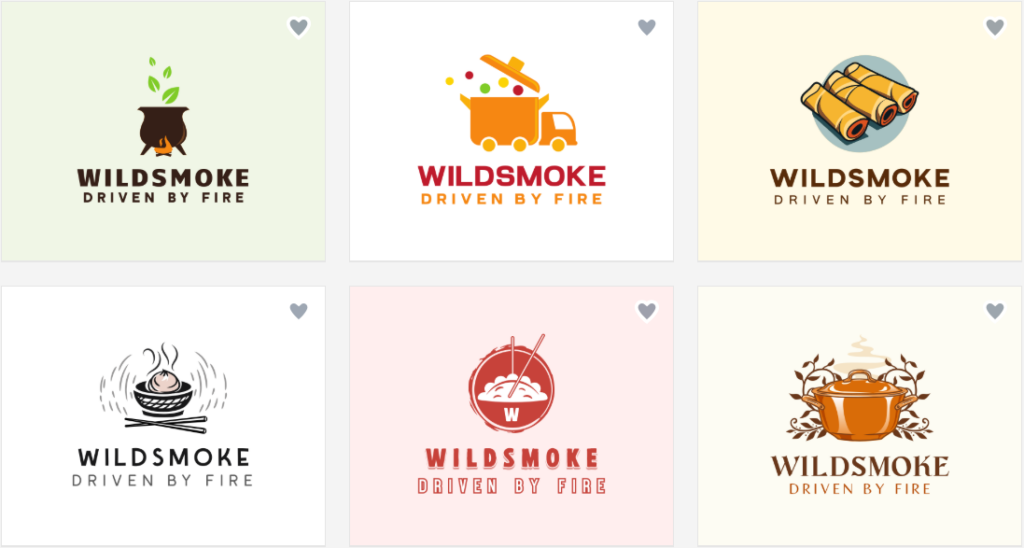
Product Description: An AI-based logo generator, offering simple logo creation with customizable templates.
Logo Quality: Amateur-level, as the logo quality may be less refined than that of competitors.
Fewer options for exclusive logo licensing.
Some logos have high quality.
Quantity: A selection of design templates.
Speed: Comparatively fast.
Logo generation based on the inserted keyword.
Additional customization is needed to get the brand name on the template.
Extra editing slows down the process.
AI Editing Tools:
Limited AI editing tools compared to Design.com.
The free plan doesn’t allow generating fully business-name-based logos.
#4. Wix Logo Maker
Product Description: Initially, a website builder platform equipped with a basic logo maker for building a brand identity.
Logo Quality: Semi-professional.
Clean and modern designs, though often template-based with limited uniqueness.
Commercially safe designs.
Quantity: Moderate.
No fixed template number.
Several variations are based on inputs, but the final results can feel repetitive.
Speed: Medium.
Requires answering a few questions before generating results.
AI Editing Tools: Basic to moderate.
Customization for fonts, colors, icons, and layout, but lacks advanced design flexibility.
#5. Logomaster.ai
Product Description: A branding platform with customizable logo templates and AI tools.
Logo Quality: Average.
The results within the free plan come with a watermark.
Modern designs.
Mostly pre-made icons/templates, which can result in getting similar logos.
Quantity:
Multiple logo concepts.
Logo templates across various industries.
Speed: Medium.
The AI asks questions before generating designs.
AI Editing Tools: Moderate.
AI-assisted customization.
Iterative edits to refine designs after generation.
Editing is user-friendly but still constrained by a template-based structure.
#6. Designs.ai
Product Description: A web-based AI logo design platform, generating customizable branding assets.
Logo Quality: Amateur.
Clean and polished designs suitable for various industries, though sometimes lacking originality.
Quantity: Moderate.
Generates a limited set of logo options per request, depending on available credits.
Speed: Not as instant as other AI logo makers
AI Editing Tools: Moderate.
Customization of colors, fonts, icons, and layouts, but it lacks advanced design flexibility.
Final Words
Are you still wondering which AI logo maker is right for you?
In case you’re having second thoughts about which creative solution makes more sense to you to invest in, you can focus on your needs first: do you prioritize speed, customization level, quality, or accessibility?
And how great it is to pick a solution that offers everything you prioritize, without having to compromise on any of the features that matter most to a specific project or business.